Document Repository for FedRAMP Deployments
The Document Repository is the central location for managing FedRAMP-related artifacts required for Continuous Monitoring (ConMon). You can use it to:
- Upload and retrieve documents needed for ongoing FedRAMP compliance
- Submit any image version for security review
- Export JSON files containing vulnerability findings for any image in your application
Accessing the Document Repository
-
In App Central, open your application.
-
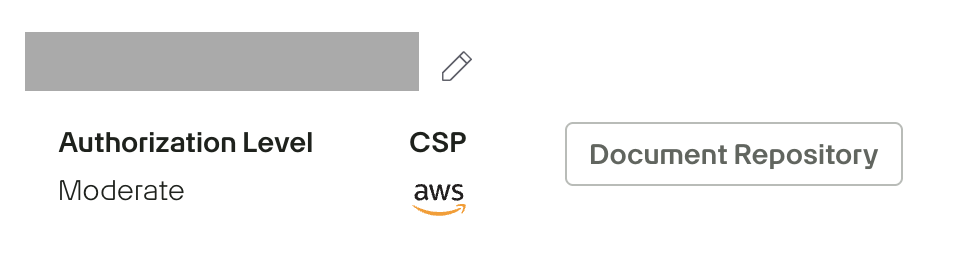
Select Authorizations, then navigate to the Document Repository for the specific deployment.
-
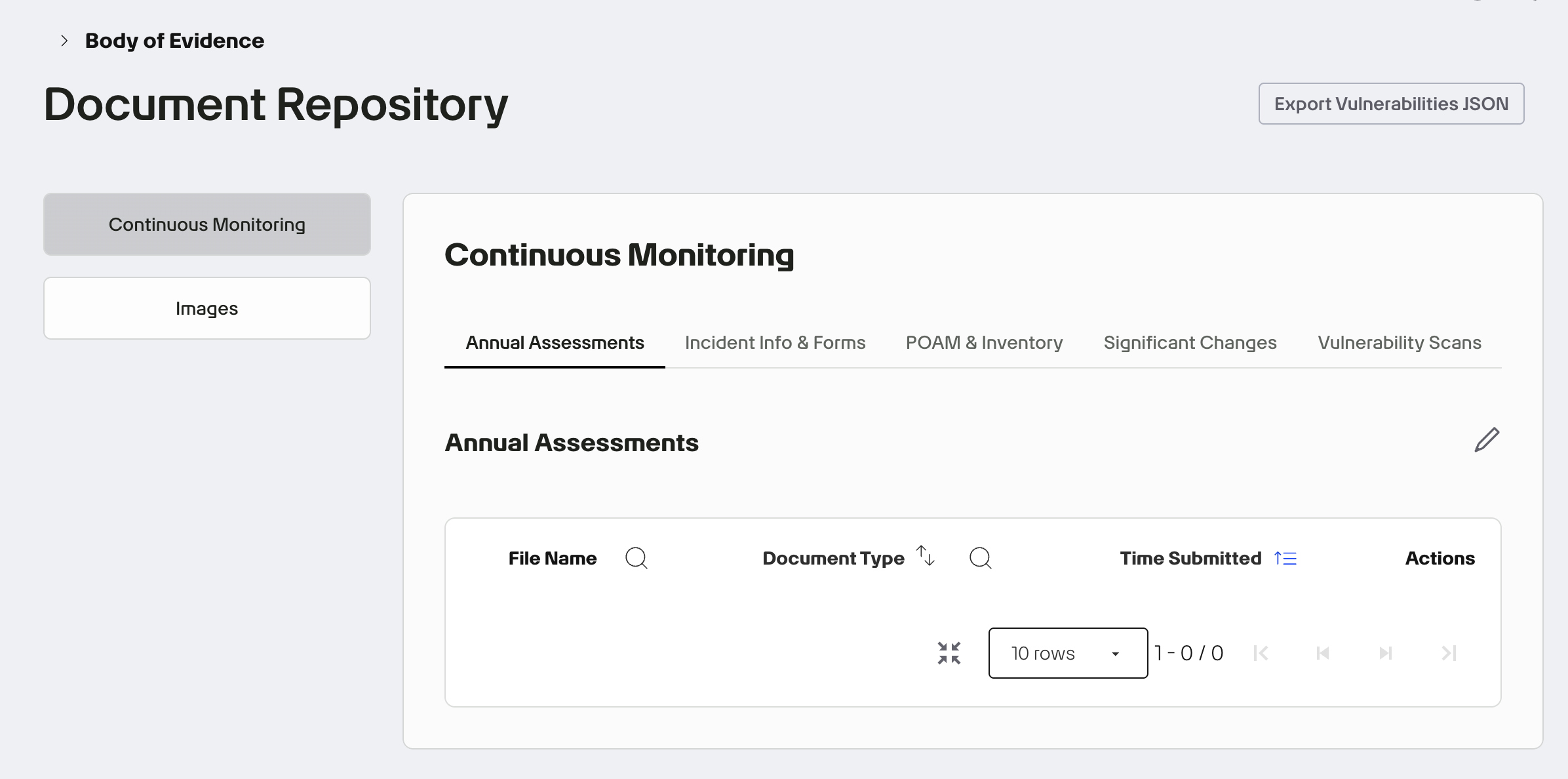
Click Continuous Monitoring to access documents organized under the following tabs:
- Annual Assessments: Upload annual security assessments, SAR updates, and required yearly artifacts.
- Incident Info & Forms: Submit incident reports, follow-up documentation, and required forms.
- POA&M & Inventory: Manage Plan of Action & Milestones (POA&M) files and system inventory updates.
- Significant Changes: Document system changes that may impact FedRAMP Certification.
- Vulnerability Scans: Upload scanning artifacts such as Web, DB, and OS scans.
To upload a file, click the ✏️ (pencil) icon, drag and drop your document, and select the appropriate document type from the dropdown.
-
Click Images to select the image versions you are submitting for review. Selecting images in the document repository signals which versions will be part of the authorization decision. Game Warden uses this selection to control what can be deployed to Staging (STG) and Production (PRD).