Create and Manage Body of Evidence
This guide walks you through how to create a Body of Evidence (BoE) each Impact Level (IL) environment where you plan to deploy your application.
Create a BoE
- On the App Central page, select the Authorizations tab.
-
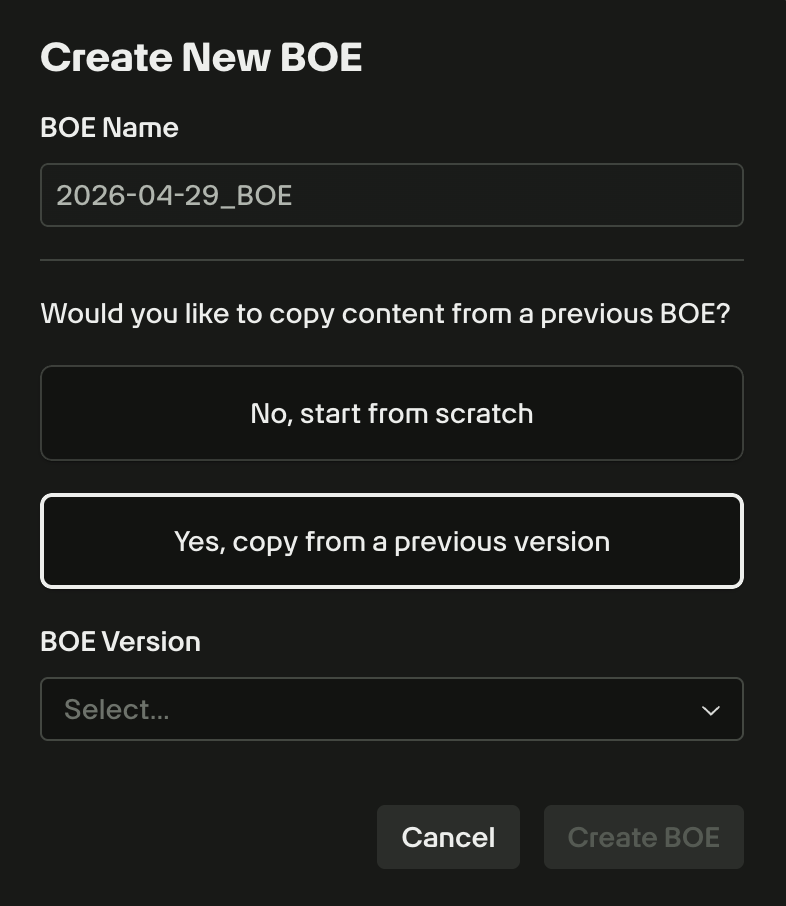
Navigate to the Deployments panel and use the Body of Evidence dropdown to select a version. To start a new one, select Create New BOE. You can then choose to start from scratch or clone an existing version to prepopulate your data.
-
Complete the required sections of the BoE using the guidance in Complete Body of Evidence.
- For each section in the BoE, click Save Draft to save the progress you made on the form.
- Click Save & Submit for Review to mark the form as complete. If validation passes, the form status updates to Complete. If not, you will see field-level guidance to finish remaining items.
Important
Each deployment maintains a history of BoEs created over time; however, only one BoE is used to obtain the Software Approval.
Manage existing BoEs
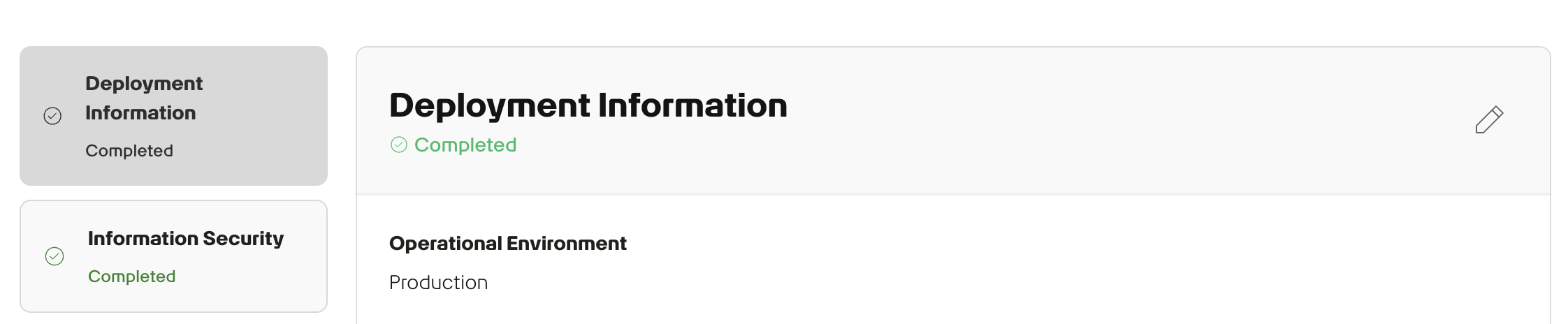
To resume or edit a submission, select a version from the Body of Evidence dropdown. Completed sections are marked in green for easy tracking, and each section can be edited using the ✏️ (pencil) icon.
Best practice
Review and update your BoE monthly to reflect any changes in your application, especially as development progresses through the Software Development Lifecycle (SDLC).